Mastering Photoshop 2026: New Features Every Designer Needs
Adobe Photoshop 2026 introduces powerful new features designed to streamline workflows and unlock unprecedented creative possibilities. Discover the key updates every designer needs to master.
By Rollan Bañez · September 16, 2026 · 8 min read
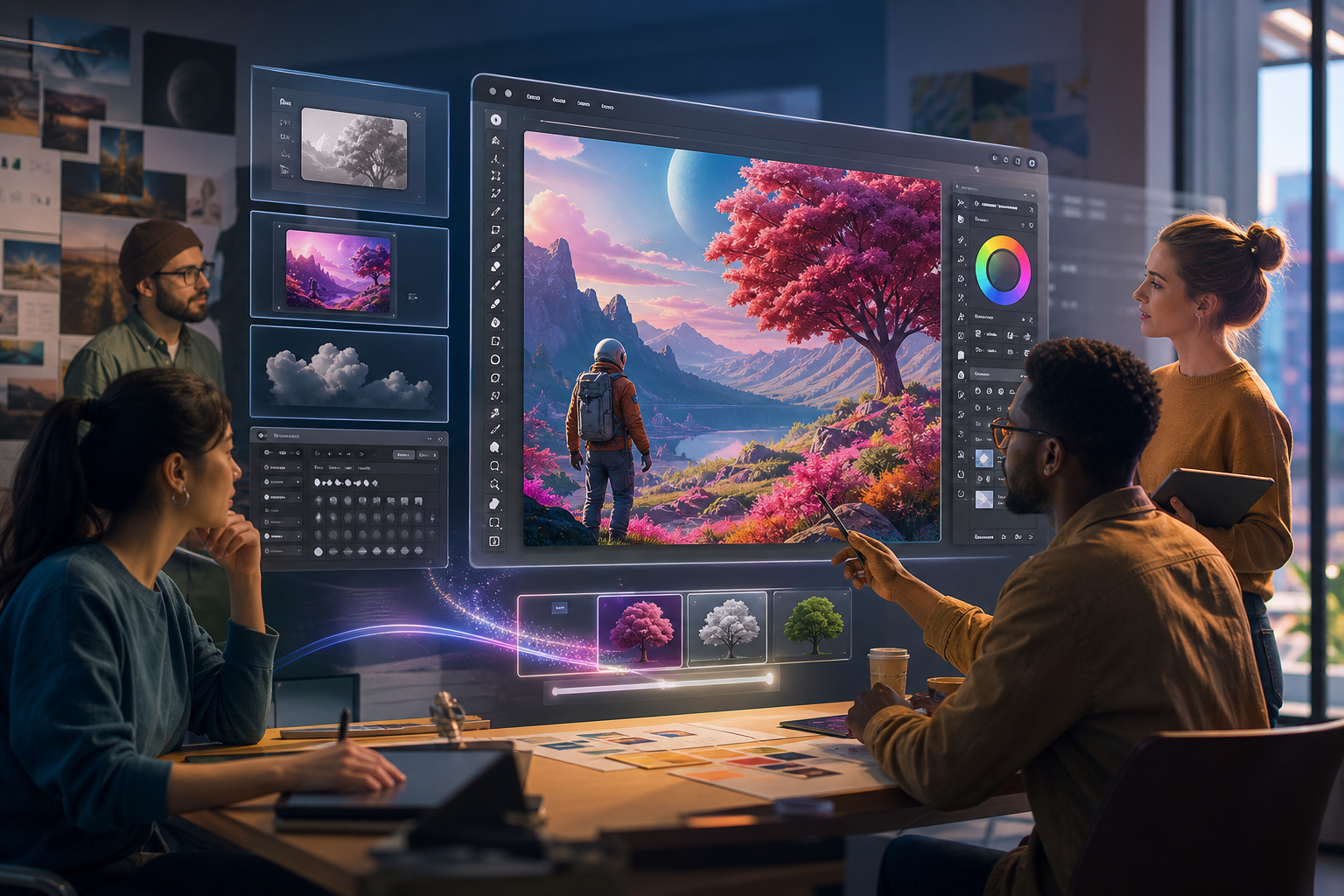
The digital design landscape evolves at a rapid pace, and staying ahead means embracing the latest tools. Adobe Photoshop, the industry standard for image manipulation, continues to redefine creative possibilities with its annual updates. The 2026 release is no exception, bringing a suite of innovations poised to transform professional workflows.
For designers, photographers, and digital artists, mastering these new functionalities is not merely an option, but a necessity. They offer significant advantages in efficiency, creativity, and competitive edge. Understanding these advancements is crucial for anyone serious about their craft and career in creative fields.
The Evolution of Photoshop: Why This Release Matters Now
Adobe Photoshop has been the cornerstone of visual creativity for decades. Each iteration builds upon its robust foundation, responding to user needs and technological advancements. The 2026 version reflects a significant leap forward, particularly in its integration of artificial intelligence.
This release underscores a growing trend where AI tools are becoming indispensable partners in the creative process. It empowers designers to achieve more complex results with greater speed. The focus remains on enhancing human creativity, not replacing it, by automating tedious tasks and generating new avenues for artistic expression.
A Legacy of Innovation and Adaptability
Photoshop's journey from a basic image editor to a comprehensive creative powerhouse is a testament to continuous innovation. Its adaptability ensures it remains relevant in an ever-changing digital world. The 2026 update continues this tradition, cementing its status as an essential tool for all creative professionals.
The current landscape demands both technical proficiency and an imaginative approach. Photoshop 2026 provides the tools to excel in both these areas. It allows users to push boundaries and explore new aesthetic territories with confidence and precision.
Key Adobe Photoshop 2026 New Features for Designers
The 2026 update introduces several transformative features. These enhancements are designed to accelerate design workflows, improve precision, and unlock novel creative approaches. Familiarizing yourself with these core updates will significantly elevate your design capabilities.
Advanced Generative Fill and Expand with AI Precision
Generative Fill and Generative Expand, first introduced in earlier versions, have received significant upgrades in Photoshop 2026. These AI-powered tools now offer enhanced control and more predictable results. Users can achieve complex compositions and seamless content expansion with unparalleled accuracy.
The improved algorithms allow for better contextual understanding, leading to more realistic object generation and scene extension. This means less time spent on manual adjustments and more on conceptual development. Designers can iterate faster and experiment more freely.
- Improved contextual awareness for more realistic results.
- Finer controls over generated content attributes (e.g., texture, lighting).
- Seamless integration with existing image elements.
- Faster processing speeds for complex generative tasks.
Dynamic AI-Powered Content Adjustment Layers
A groundbreaking addition is the introduction of dynamic AI-powered adjustment layers. These layers go beyond traditional color or tone adjustments. They can intelligently analyze image content and suggest targeted enhancements.
For example, a new 'Mood Adjuster' layer can understand the emotional tone of an image and suggest corresponding color palettes, lighting shifts, and even object prominence adjustments. This provides a powerful new way to influence visual storytelling without extensive manual editing.
Enhanced 3D Object Integration and Manipulation
Photoshop 2026 significantly improves its capabilities for working with 3D elements. Designers can now import, manipulate, and render 3D objects within their 2D compositions with greater ease and realism. This opens up new avenues for product mockups, architectural visualization, and intricate digital art.
New features include advanced lighting simulation, real-time material previews, and improved interoperability with other 3D software. This integration streamlines workflows for designers who incorporate 3D models into their projects, reducing the need for multiple applications.
Intelligent Selection and Masking Tools
Selection and masking remain fundamental to Photoshop, and the 2026 release brings new levels of intelligence. The 'Adaptive Object Selection' tool can now learn from user corrections, improving its accuracy over time for specific object types.
'Smart Hair Masking' has been refined to handle even the most intricate hair details with remarkable precision. These advancements significantly reduce the time spent on isolating subjects, allowing designers to focus on creative refinements rather than tedious selections.
Real-World Impact on Creative Careers and Workflows
The implications of these Photoshop updates are far-reaching. They empower designers to tackle more ambitious projects, increase productivity, and explore new creative avenues. This directly impacts career growth and the competitive landscape.
Designers proficient in Photoshop 2026's advanced features will be highly sought after. They can deliver results faster, produce higher-quality output, and offer more innovative solutions to clients. This proficiency translates into career advancement and greater market value.
Boosting Efficiency and Creative Freedom
Automating repetitive tasks with AI-powered features frees up valuable time. Designers can dedicate this time to conceptualization, refinement, and client collaboration. This shift enhances both efficiency and creative freedom, leading to more impactful design outcomes.
The ability to quickly prototype ideas using generative tools also accelerates the ideation phase. Designers can present multiple variations and concepts in less time, fostering a more dynamic and responsive creative process with their clients and teams.
Staying Competitive in a Dynamic Industry
The creative industry is constantly evolving, with new trends and technologies emerging regularly. Mastery of tools like Photoshop 2026 is critical for remaining competitive. Employers and clients seek designers who are not only skilled but also forward-thinking and adaptable.
Creative Nation Academy offers specialized training programs and Adobe Certified Professional pathways to help you master these new skills. Investing in continuous learning ensures your expertise remains current and relevant.
Expert Perspectives on Photoshop 2026
Industry leaders and design educators are already recognizing the profound impact of Photoshop 2026. Many see these updates as a game-changer for both seasoned professionals and emerging talents.
“The new generative capabilities in Photoshop 2026 aren't just about automation; they're about expanding the creative canvas,” states Dr. Anya Sharma, a leading expert in digital art education. “Designers can now visualize concepts that were previously too time-consuming or complex to execute.”
Creative director Mark Jensen adds, “Our agency has seen a significant reduction in post-production time thanks to the enhanced AI tools. This allows our team to focus more on innovative campaign strategies rather than repetitive image adjustments. It's a huge win for productivity.”
Key Takeaways
- Adobe Photoshop 2026 brings significant advancements, especially in AI-powered tools.
- Enhanced Generative Fill/Expand offers greater control and realism for content creation.
- Dynamic AI adjustment layers provide intelligent, contextual image enhancements.
- Improved 3D integration streamlines workflows for composite designs.
- Smarter selection and masking tools drastically reduce editing time.
- Mastering these features is essential for career growth and industry competitiveness.
Embrace the Future of Digital Design
Adobe Photoshop 2026 marks an exciting chapter in digital imaging. Its powerful new features empower designers to push creative boundaries, enhance efficiency, and produce stunning visuals with unprecedented ease. The integration of advanced AI is not just a trend; it's a fundamental shift in how we approach design.
For those ready to embrace this future, the opportunity to learn and master these tools is now. Staying updated with the latest software ensures you remain at the forefront of the creative industry. The future of design is dynamic, intelligent, and more creative than ever.
Frequently asked questions
- What are the most significant new features in Adobe Photoshop 2026?
- Adobe Photoshop 2026 introduces major updates to Generative Fill and Expand with enhanced AI precision, dynamic AI-powered content adjustment layers, improved 3D object integration and manipulation, and more intelligent selection and masking tools. These focus on boosting efficiency and creative output.
- How will Photoshop 2026's AI features impact my design workflow?
- The AI features in Photoshop 2026 will significantly streamline your workflow by automating tedious tasks like complex selections and content generation. This frees up time for conceptualization and refinement, allowing you to iterate faster, experiment more, and focus on higher-level creative decision-making.
- Is it necessary to learn these new Photoshop 2026 features to stay competitive?
- Yes, mastering the new features in Photoshop 2026 is highly recommended to stay competitive in the rapidly evolving creative industry. Employers and clients increasingly seek designers who can leverage advanced tools to deliver faster, higher-quality, and more innovative results.
- Where can I get training on the new Adobe Photoshop 2026 features?
- Creative Nation Academy offers comprehensive training programs and Adobe Certified Professional pathways specifically designed to help you master the latest features in Adobe Photoshop, including the 2026 updates. Visit our website or <a href="/request">request more information</a> on our courses.