
Online Workshop Program
Reserve your seatThree practical, four-hour live online workshops designed for immediate application, guided practice, and portfolio-ready output.

Create boldly. Learn together.
Live online sessions where Filipino creatives build real skills with expert guidance.


Workshop lineup
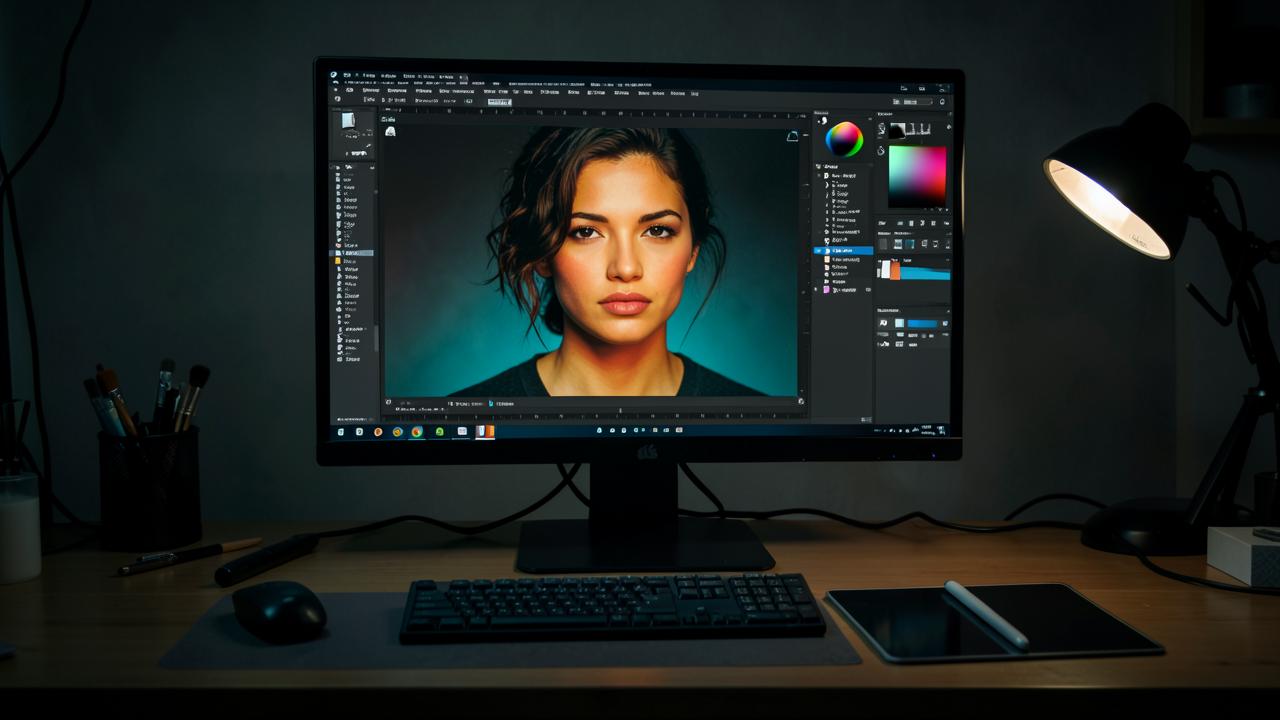
Build strong image-editing foundations and create polished visual content with confidence.
A beginner-friendly, hands-on workshop that introduces Adobe Photoshop as a practical tool for photo enhancement, graphic design, social media content, and digital art. Participants learn a clear, repeatable workflow from opening an image through editing, compositing, and final export.
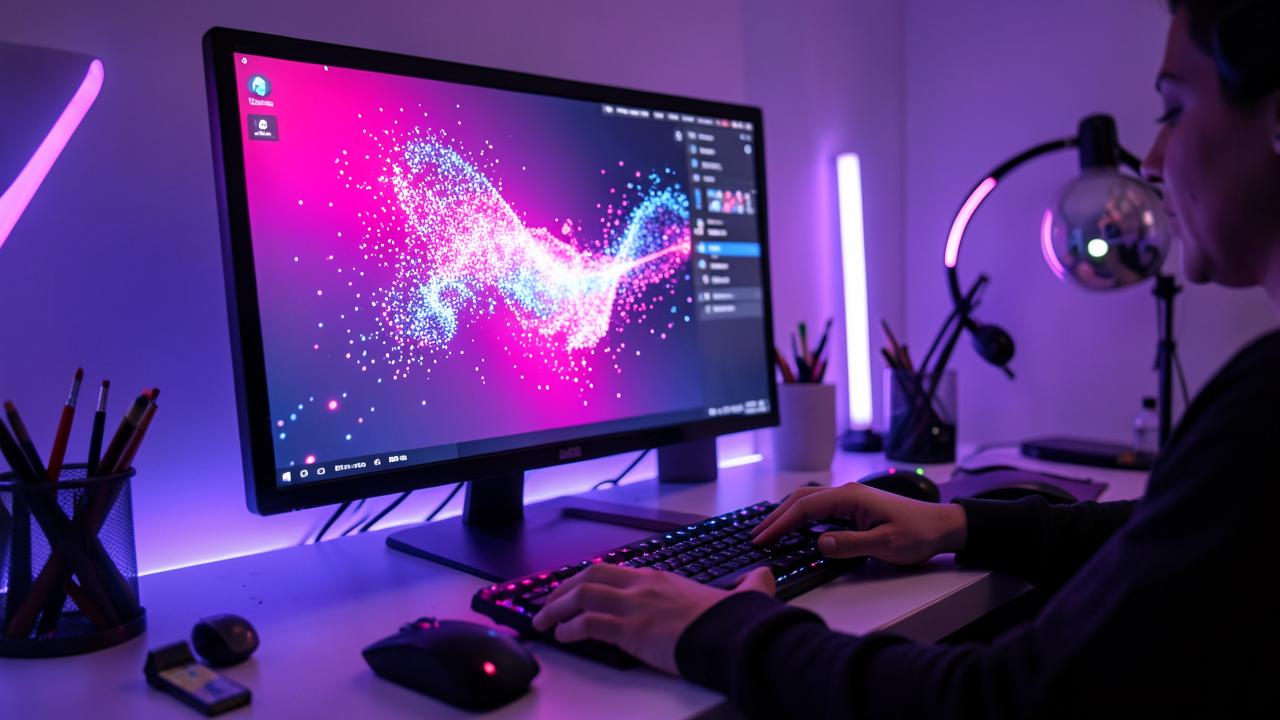
Turn ideas into visuals faster through responsible, structured, and commercially useful generative AI workflows.
An accessible introduction to Adobe Firefly and AI-assisted creative production. Participants learn how to write effective prompts, generate and refine images, use Generative Fill and text effects, and connect Firefly with Adobe Photoshop and Adobe Express for faster ideation and content creation.
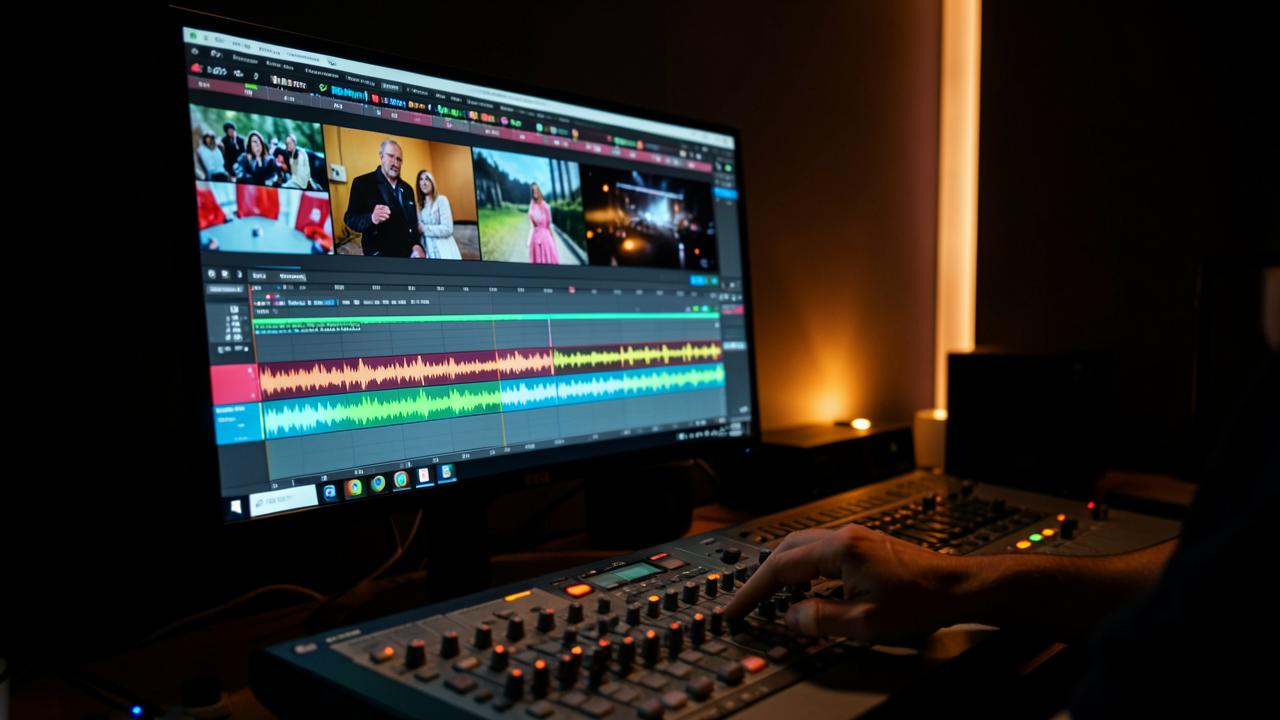
Transform raw footage into clear, engaging, and shareable video stories.
A practical entry-level workshop on Adobe Premiere Pro. Participants learn to organize media, build a sequence, trim footage, work with sound, add text and transitions, improve color, and export videos for common digital platforms.
What every participant gets
- Four hours of live, instructor-led online training
- Real-time screen-shared demonstrations and guided practice
- Downloadable exercises, demonstration files, or sample assets when applicable
- Final practical activity with facilitator feedback
- Digital certificate of participation
- Post-session reference guide or learning resources
- Session recording access only when explicitly included in the confirmed schedule
Four-hour program flow
| Time | Segment |
|---|---|
| 00:00–00:15 | Online welcome and setupOrientation, objectives, file access, audio and software check. |
| 00:15–00:45 | Core concepts and interfaceFoundation concepts, workspace navigation, workflow overview. |
| 00:45–01:35 | Demonstration 1Instructor-led demonstration of essential tools and techniques. |
| 01:35–01:45 | Short breakTen-minute screen break and workstation reset. |
| 01:45–02:30 | Guided practiceStructured exercise with checkpoints. |
| 02:30–03:00 | Demonstration 2Applied workflow, refinement, and export preparation. |
| 03:00–03:40 | Final activityIndependent output creation using the workshop brief. |
| 03:40–04:00 | Online review and closingOutput presentation, feedback, takeaways, and next steps. |
Workshop registration
Reserve your online seat for ₱2,499 VAT inclusive. We'll confirm your schedule, meeting link, and payment details by email.