Mastering Adobe Photoshop 2026: New Features Every Designer Should Learn
Discover the essential new features of Adobe Photoshop 2026, from advanced Generative Fill to non-destructive adjustment brushes, and learn how to stay competitive.
By Rollan Bañez · June 13, 2026 · 4 min read
The landscape of digital imaging is shifting at a velocity unseen since the introduction of layers. As we step into the latest iteration of the industry standard, mastering Adobe Photoshop 2026 is no longer just about knowing the toolbar; it is about orchestrating a symphony between human intent and machine intelligence. For professional designers and educators, staying updated is the difference between leading the market and falling behind.
The Evolution of Digital Design
Since its inception, Adobe Photoshop has evolved from a simple darkroom replacement into a comprehensive ecosystem for visual expression. While foundational skills like masking and color correction remain vital, the 2026 release prioritizes efficiency and Generative AI integration. This evolution allows creatives to spend less time on repetitive technical tasks and more time on high-level conceptualization.
Key Takeaways
- Advanced Generative Fill capabilities now support higher resolution and style matching.
- New non-destructive adjustment brushes streamline the photo editing workflow.
- AI-driven selection tools have reached near-perfect accuracy for complex textures like hair and fur.
- Collaboration features integrated with Creative Cloud enable real-time feedback within the PSD file.
- The emphasis on "AI Ethics" ensures that generated content includes secure Content Credentials.
Top New Features in Photoshop 2026
The 2026 update introduces a suite of tools designed to remove the friction from the creative process. Whether you are a veteran or just beginning your journey through Adobe Certified Professional (ACP) training, these tools are game-changers.
Enhanced Generative Fill and Expand
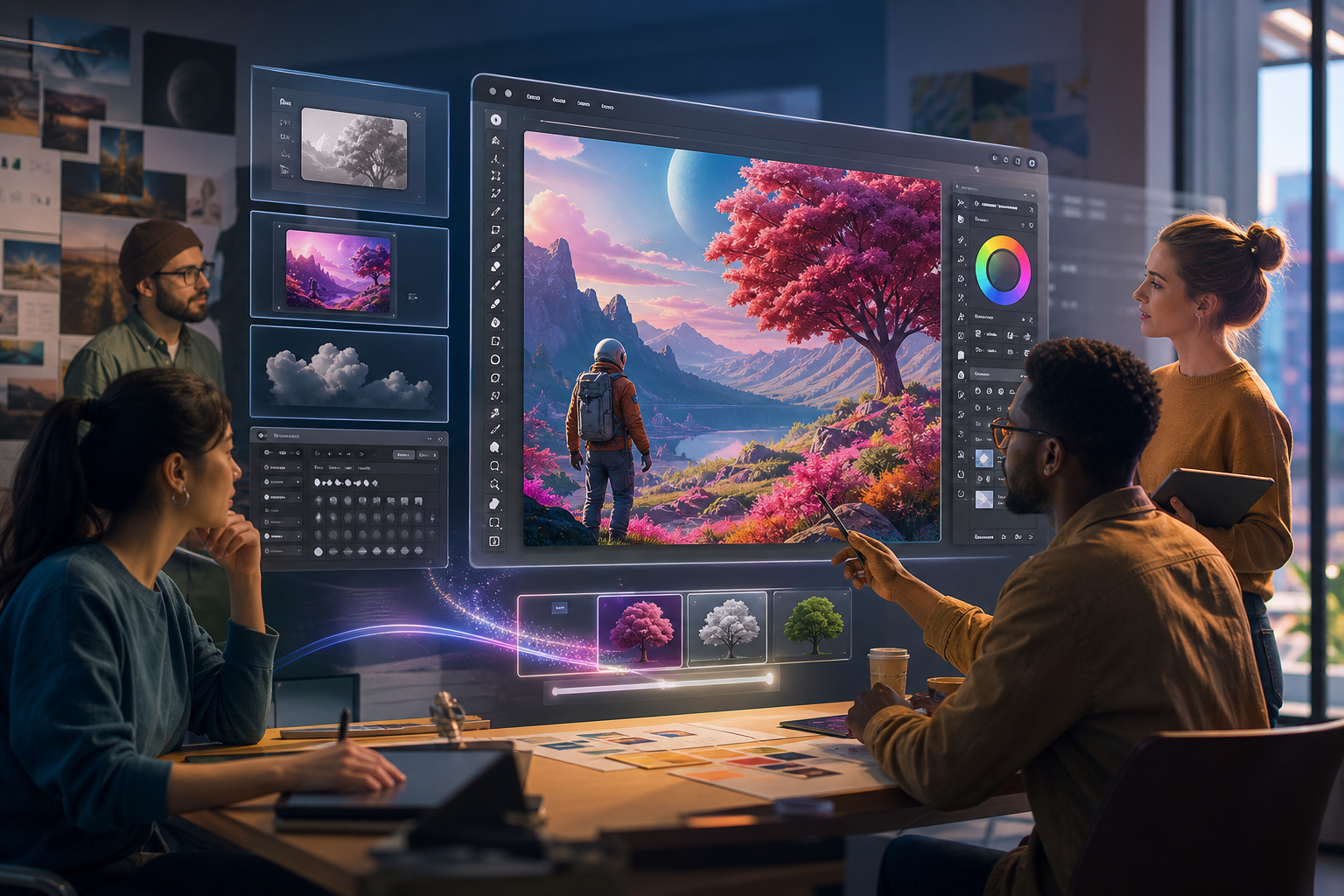
Generative Fill has matured into a sophisticated engine. In the 2026 version, the Firefly integration allows for Reference Image uploads, meaning you can guide the AI to match a specific aesthetic or brand style. This reduces the trial-and-error often associated with text-based prompting.
Parametric Filters and Smart Brushes
Adobe has revamped the filter gallery with new Parametric Filters. These allow designers to apply complex textures and lighting effects that remain fully editable. Unlike older filters that "baked" changes into pixels, these live filters function more like InDesign effects, preserving original data and allowing for infinite adjustments.
Advanced Object Selection 2.0
The Object Selection Tool now utilizes a more powerful neural engine. It can identify and isolate dozens of individual items within a frame simultaneously. This feature demonstrates how automation handles the "grunt work," allowing students to focus on composition and color theory.
Impact on Creative Careers and Upskilling
The technical barrier to entry is lowering, but the bar for creative excellence is rising. Employers are no longer looking for someone who can simply "use Photoshop"; they want professionals who can leverage AI to speed up production while maintaining a unique artistic voice.
For educators, these updates change the pedagogy of design. The focus is shifting from "how to click" to "how to see." Understanding the logic behind the software remains the core of a professional education, even as the tools themselves become more autonomous.
The Future of Creative Workflows
Looking ahead, the integration of Photoshop with 3D environments and video editing is expected to deepen. The "2026" era marks the beginning of the "Contextual Interface," where the software predicts the next tool you need based on your behavior. While the software grows smarter, the human element—the spark of an original idea—remains the most valuable asset in any studio.
Frequently asked questions
- Is the AI content in Photoshop 2026 ethically sourced?
- Yes, Adobe Photoshop 2026 includes Content Credentials, which provide a digital trail for AI-generated elements, ensuring transparency and copyright protection.
- Does the new AI integration mean I don't need to learn the basics?
- While AI automates technical tasks like masking and background removal, professional-level results still require a deep understanding of design principles, composition, and brand strategy.
- What is the biggest improvement in Generative Fill this year?
- The 2026 version introduces style-matching, allowing you to use reference images to guide AI generations, resulting in much more consistent and brand-accurate outputs.