Unleash Your Genius: Master Photoshop 2026's Revolutionary AI Tools
Adobe Photoshop 2026 brings an exciting suite of AI-powered features, poised to revolutionize design workflows. This guide explores the essential updates every creative professional needs to master for unparalleled efficiency and creativity.
By Rollan Bañez · September 4, 2026 · 10 min read
The creative landscape is in constant motion, driven by relentless innovation. For designers, staying ahead means not just adapting, but actively embracing the tools that redefine possibility. Adobe Photoshop, the industry standard for image manipulation, continues its legacy with the highly anticipated 2026 release.
This latest iteration introduces a suite of features powered by cutting-edge artificial intelligence, promising to transform workflows and unlock unprecedented creative potential. Understanding these advancements is no longer optional; it's essential for any designer aiming for excellence.
The Evolving Canvas: Why Photoshop 2026 Matters Now
Adobe Photoshop 2026 isn't just an incremental update; it represents a significant leap forward in AI-assisted design. These new capabilities address long-standing challenges, streamlining complex tasks and expanding creative horizons.
The integration of advanced machine learning algorithms empowers designers to achieve sophisticated results with greater speed and precision. This efficiency directly impacts project timelines and overall productivity, making it a critical skill for today's competitive market.
A Foundation of Innovation: AI's Role in Creative Tools
Artificial intelligence has steadily woven itself into the fabric of creative software. From smart object recognition to automated selections, AI has been enhancing Photoshop for years.
The 2026 version builds upon this foundation, offering more intuitive, powerful, and creatively liberating tools. Designers can now focus more on vision and less on tedious manual processes, elevating their craft.
Mastering Generative Fill and Expansion
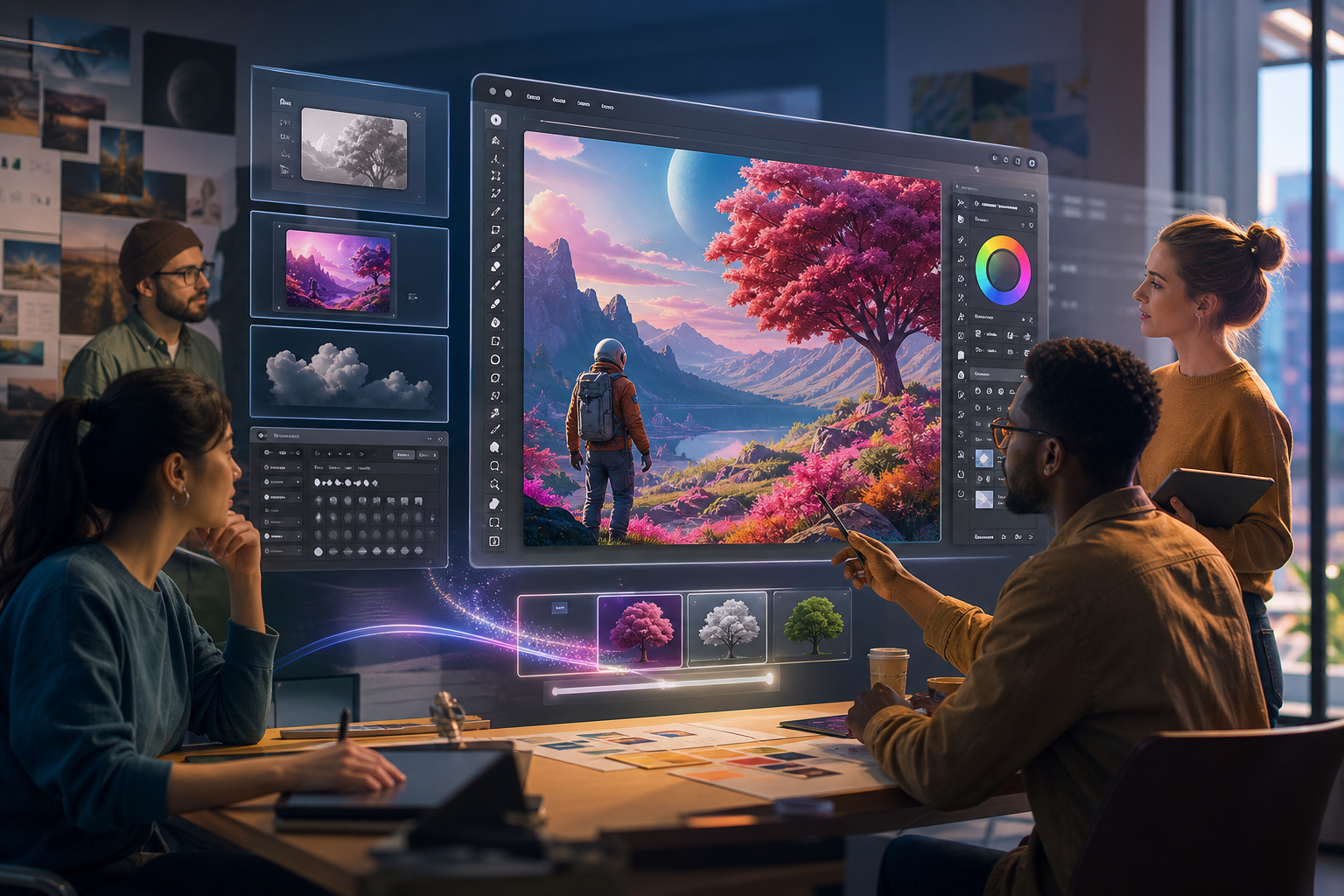
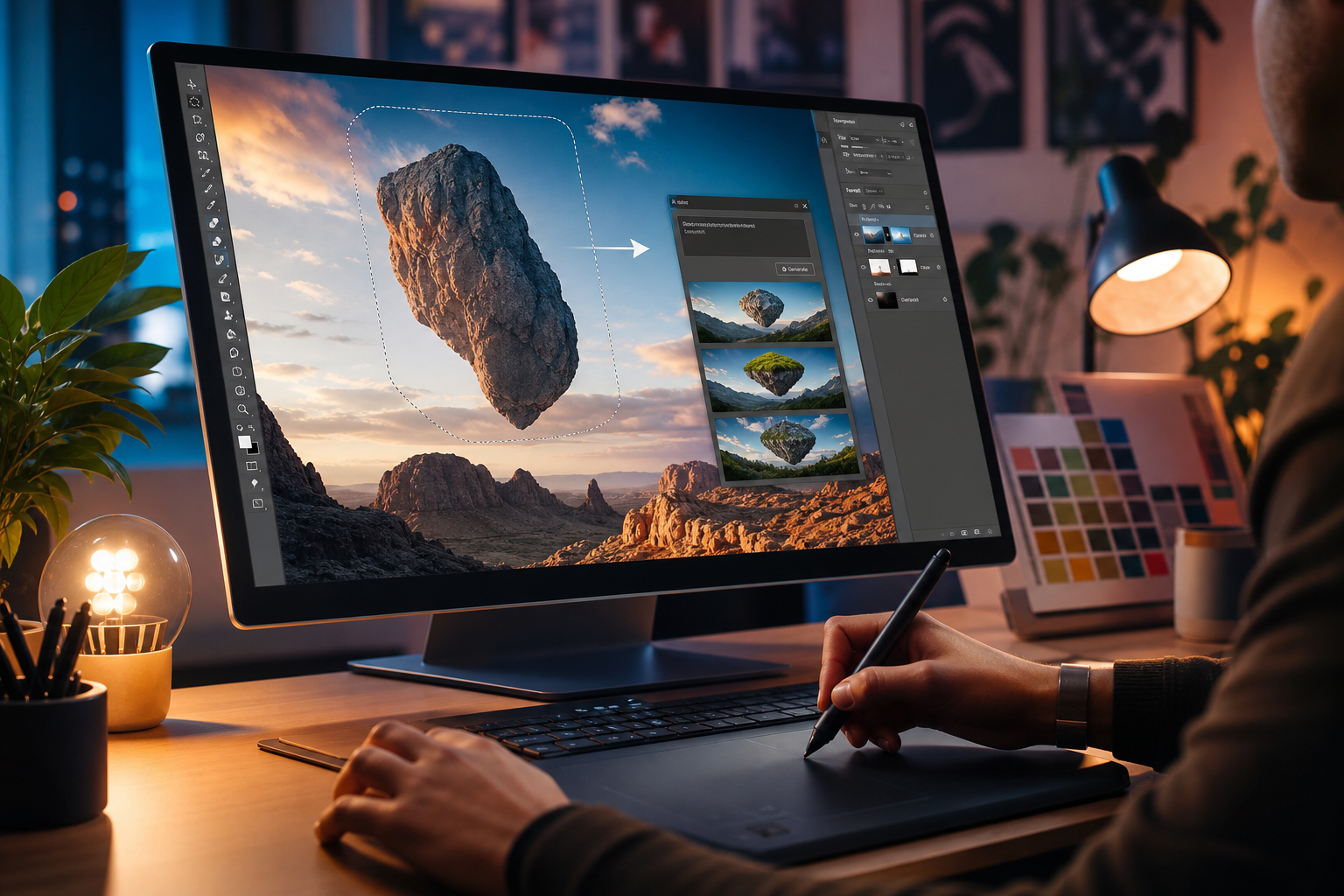
Perhaps the most revolutionary addition to Photoshop 2026 is the enhanced Generative Fill and Generative Expand. Powered by Adobe's Firefly AI model, these features allow users to add or extend content to images using simple text prompts.
Imagine effortlessly expanding a landscape photo or adding intricate elements to a scene without sourcing new assets. This capability shatters previous limitations, offering unparalleled flexibility in composition and storytelling.
Real-World Applications for Designers
- Seamless Image Extension: Easily expand canvases to fit different aspect ratios, creating backgrounds or filling gaps with AI-generated content that matches the original image's style.
- Content Addition and Removal: Describe objects or elements you wish to add to a scene, or highlight unwanted areas for intelligent removal, all with contextual awareness.
- Creative Exploration: Experiment with variations of a scene or concept by generating multiple options from a single prompt, accelerating the ideation phase.
The impact on concept development and photo manipulation is profound. Designers can quickly iterate on ideas, saving hours of manual work and allowing for more creative freedom.
Precision Editing with Advanced Object Selection and Removal
Photoshop 2026 refines existing tools and introduces new ones for unparalleled control over image elements. The improved Object Selection tool, now more intelligent and context-aware, makes isolating complex subjects a breeze.
Beyond selection, the updated Content-Aware Fill and new Object Removal tools leverage AI to seamlessly erase unwanted elements from images. This goes beyond simple cloning, intelligently reconstructing the background behind the removed object.
Enhancing Workflow Efficiency
These tools are game-changers for tasks like product photography retouching, composite image creation, and general photo editing. What once required meticulous masking and cloning can now be achieved in moments.
For professionals working under tight deadlines, this efficiency translates directly into increased output and higher quality deliverables. Explore how these tools can integrate into your current projects by visiting our Creative Nation Blog for advanced tutorials.
Neural Filters: Expanding Creative Horizons
Neural Filters, introduced in earlier versions, continue to evolve in Photoshop 2026. These AI-powered filters apply complex artistic and restorative effects with remarkable ease, transforming photos in ways previously unimaginable.
The new iteration brings more refined and diverse options, from sophisticated portrait adjustments to stylistic transfers. Designers can now explore creative directions with less effort, fostering artistic experimentation.
New and Improved Neural Filters
- Enhanced Landscape Mixer: Dynamically alter seasons, lighting, and time of day in landscape photos.
- Advanced Harmonization: Match the color and tone of one layer to another, ensuring seamless integration in composites.
- Depth Map Generation: Automatically create depth maps for 3D effects and realistic background blurring.
These filters not only save time but also open up new avenues for creative expression, allowing designers to push boundaries and achieve unique visual styles.
Integration with the Adobe Ecosystem and Beyond
Photoshop 2026 doesn't exist in a vacuum; it's a vital component of the expansive Adobe Creative Cloud ecosystem. New features ensure smoother integration with Illustrator, InDesign, and Premiere Pro, facilitating cross-application workflows.
This seamless interconnectedness amplifies productivity, allowing designers to move assets and concepts across platforms with greater ease. The future of creative work is interconnected, and Photoshop 2026 reinforces this vision.
Upskilling for the Future of Design
The rapid pace of technological change means continuous learning is paramount. Creative Nation Academy offers specialized Adobe Certified Professional (ACP) training and programs for educators looking to request info on upskilling their teams.
Mastering these new Photoshop features is an investment in your career, ensuring you remain at the forefront of digital design. Our courses provide hands-on experience and expert guidance to help you navigate this evolving landscape.
Key Takeaways
- Photoshop 2026 introduces groundbreaking AI features like Generative Fill and advanced Object Removal.
- These tools significantly boost efficiency, allowing designers to achieve complex results faster.
- Neural Filters offer new creative possibilities for image manipulation and artistic expression.
- Seamless integration within the Adobe Creative Cloud enhances overall workflow.
- Mastering these updates is crucial for staying competitive and expanding your creative potential.
- Creative Nation Academy offers training to help designers and educators leverage these powerful tools.
Conclusion: Your Creative Future with Photoshop 2026
Adobe Photoshop 2026 is more than just a software update; it's an invitation to a new era of creative freedom and efficiency. The integration of advanced AI tools fundamentally alters how designers approach image creation and manipulation.
Embracing these Adobe Photoshop 2026 features will not only streamline your workflow but also empower you to tackle projects with renewed confidence and innovative solutions. The future of design is here, and it's intelligent, intuitive, and immensely exciting.
Invest in your skills, explore the possibilities, and redefine what's achievable with the latest iteration of the industry's most powerful image editor. Your journey to mastering Photoshop 2026 begins now.
Frequently asked questions
- What are the most significant new features in Adobe Photoshop 2026?
- The most significant new features include enhanced Generative Fill and Generative Expand (powered by Adobe Firefly AI), advanced Object Selection and Removal tools, and updated Neural Filters for more sophisticated effects and adjustments.
- How will Generative Fill in Photoshop 2026 benefit my design workflow?
- Generative Fill allows designers to add or extend image content using simple text prompts, making it incredibly easy to expand canvases, add realistic elements, or remove unwanted objects seamlessly. This dramatically speeds up concept creation and image manipulation.
- Do I need to be an AI expert to use the new features in Photoshop 2026?
- No, Photoshop 2026's AI features are designed to be user-friendly and intuitive. While understanding the underlying technology can be helpful, the tools are accessible to designers of all skill levels, abstracting the complexity of AI into simple controls.
- Where can I get training to master the new Photoshop 2026 features?
- Creative Nation Academy offers comprehensive training programs, including Adobe Certified Professional (ACP) courses, specifically designed to help designers and educators master the latest features in Adobe Photoshop and other Creative Cloud applications.