Mastering Flyers: Adobe Express for Professional Design Success
Learn to create stunning, professional flyers using Adobe Express, even with no prior design experience. This guide will walk you through each essential step.
By Rollan Bañez · July 14, 2026 · 8 min read
In today's fast-paced world, capturing attention is paramount. Whether you're promoting an event, a business, or a community initiative, a well-designed flyer remains a powerful and tangible marketing tool. It’s an immediate visual touchpoint that can convey your message effectively and memorably.
However, many individuals and small businesses shy away from creating their own flyers, believing it requires expensive software or advanced design degrees. This is where Adobe Express steps in, democratizing design and empowering anyone to craft professional-quality materials with ease.
Why Adobe Express is Your Go-To for Flyer Design
Adobe Express, formerly Adobe Spark, has rapidly evolved into an indispensable tool for creatives and marketers alike. It offers a user-friendly interface combined with robust design capabilities, making it ideal for those without extensive graphic design experience.
The platform provides access to a vast library of templates, stock photos, fonts, and design assets, all integrated within the Adobe ecosystem. This ensures a streamlined workflow from concept to completion, helping users produce high-quality visuals quickly and efficiently.
Accessibility and Integration
One of Adobe Express's greatest strengths is its accessibility. Available on web browsers and mobile devices, it allows for design on the go, anytime, anywhere. Its seamless integration with other Adobe products, like Photoshop and Illustrator, also means that assets can be easily transferred and utilized, expanding creative possibilities.
This accessibility aligns perfectly with the needs of modern educators and entrepreneurs looking to upskill quickly. Creative Nation Academy emphasizes practical skills, and mastering tools like Adobe Express is critical for professional development and Adobe Certified Professional exam success.
Step-by-Step Guide: Designing Professional Flyers with Adobe Express
Creating professional flyers with Adobe Express is a straightforward process. Follow these steps to transform your ideas into compelling visual communications.
Step 1: Start with a Purpose and Audience
Before opening Adobe Express, define your flyer's objective. What message do you want to convey? Who is your target audience? Understanding these foundational elements will guide your design choices.
- Define Your Goal: Is it to announce a grand opening, promote a workshop, or highlight a special offer?
- Identify Your Audience: Their demographics and interests will influence your visual style, language, and call to action.
- Gather Information: Collect all necessary text, images, logos, and contact details beforehand.
Step 2: Choose the Right Template or Canvas Size
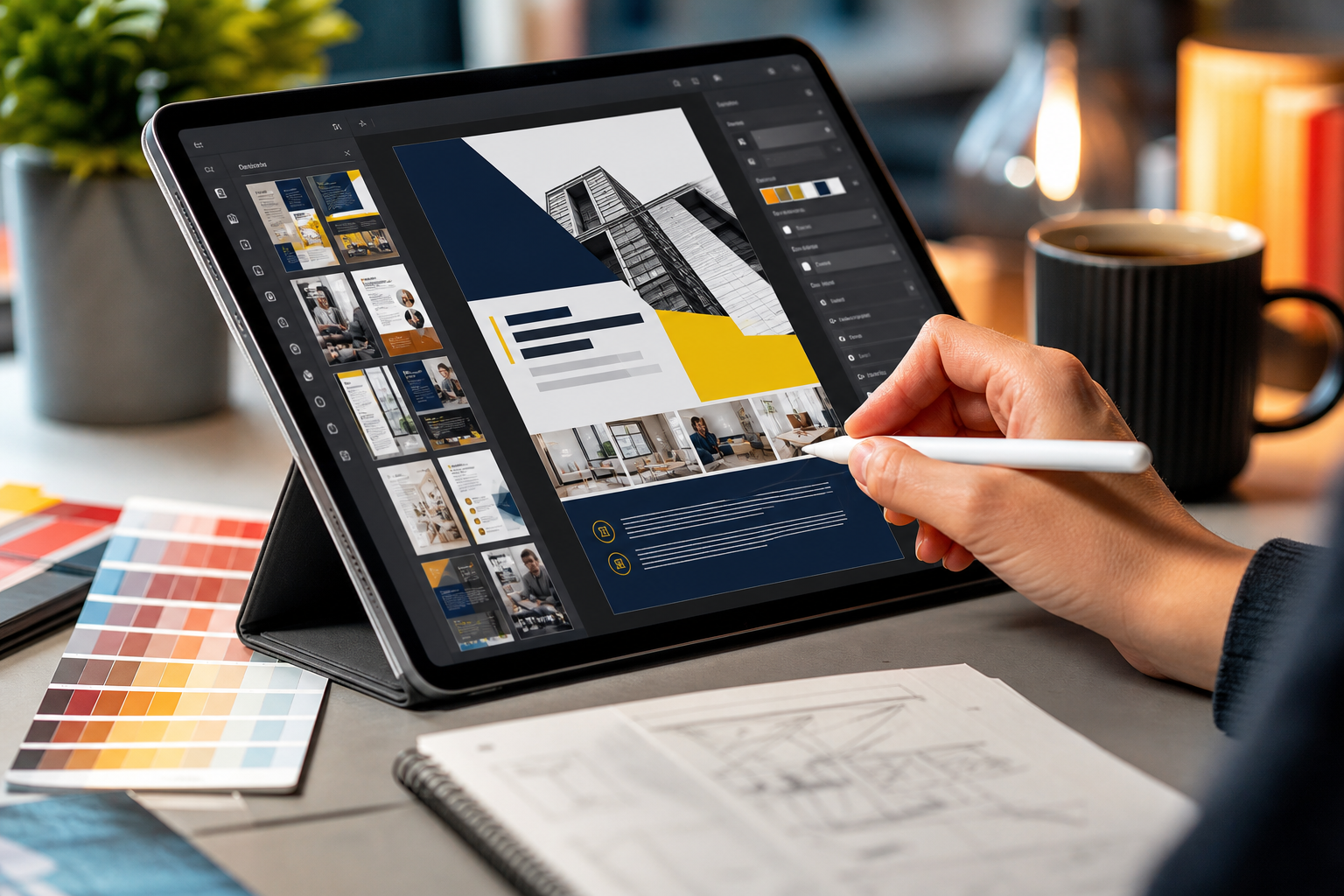
Adobe Express offers a plethora of pre-designed templates specifically for flyers. These provide an excellent starting point, saving time and ensuring a professional layout.
Navigate to the Adobe Express homepage and select 'Flyer' from the suggested project types. Browse through the available templates to find one that resonates with your design aesthetic and purpose. Alternatively, you can start from scratch with a blank canvas.
Step 3: Customize Your Design Elements
This is where your flyer truly comes to life. Adobe Express makes customization incredibly intuitive.
- Text: Click on any text box to edit the content. Experiment with different fonts, sizes, and colors to match your brand or event's tone. Ensure readability; a good rule of thumb is a maximum of three distinct fonts.
- Images: Replace placeholder images with your own high-quality photographs or graphics. Adobe Express also provides access to a vast library of free Adobe Stock photos, icons, and design assets. Drag and drop functionality makes adding visuals effortless.
- Colors: Adjust the color palette to align with your brand identity or event theme. Use the color picker to select exact hex codes or explore suggested palettes.
- Layout: Drag elements to reposition them, resize boxes, and utilize the alignment tools to create a balanced and organized visual hierarchy.
Remember, less is often more. Avoid cluttering your flyer with too much information or too many disparate design elements. A clean, focused design is more impactful.
Step 4: Incorporate Branding and Key Information
For businesses and organizations, consistent branding is vital. Ensure your logo is prominently displayed and that your brand colors are utilized. Include all critical information clearly and concisely.
- Logo Placement: Integrate your logo in a visible yet non-obtrusive location.
- Contact Information: Provide all necessary contact details: website, phone number, social media handles, and physical address if applicable.
- Call to Action (CTA): What do you want your audience to do next? 'Scan QR Code,' 'Visit Our Website,' 'RSVP Now,' or 'Learn More' are effective CTAs that guide reader engagement.
Step 5: Review, Refine, and Share
Before sharing your professional flyer with the world, a thorough review is essential. Check for any typos, grammatical errors, or misaligned elements. Get a second pair of eyes to review for clarity and impact.
Once satisfied, Adobe Express offers various options for sharing and downloading. You can download your flyer as a high-resolution PNG, JPG, or PDF, suitable for both digital distribution and professional printing. You can also directly share it to social media platforms, or even integrate it into email campaigns.
Expert Perspectives on Design Impact
Leading design professionals consistently emphasize the power of clear communication through visual means. "A well-designed flyer isn't just about aesthetics; it's about effective storytelling in a limited space," notes Dr. Evelyn Reed, a renowned marketing strategist. "Tools like Adobe Express empower anyone to become a visual storyteller, removing the technical barriers that once existed."
This sentiment resonates deeply within educational circles, particularly in programs like Adobe Creative Cloud for Education. Equipping students and educators with accessible design tools fosters innovation and prepares them for diverse career paths.
Key Takeaways
- Adobe Express is an accessible and powerful tool for designing professional flyers, even for beginners.
- Start with a clear purpose and target audience before beginning your design process.
- Leverage Adobe Express's vast library of templates, fonts, images, and design assets.
- Prioritize readability, consistent branding, and a clear call to action (CTA).
- Always review and refine your design before downloading or sharing to ensure accuracy and impact.
- Mastering digital design tools like Adobe Express enhances career readiness and creative skill sets.
The Future of Accessible Design
The landscape of creative technology is constantly evolving, with AI for creatives playing an increasingly significant role. Adobe Express itself is integrating more AI-powered features, making design even more intuitive and efficient. This democratization of design means that high-quality visual communication is no longer exclusive to seasoned professionals.
For individuals and organizations looking to make a splash, understanding and utilizing tools like Adobe Express is no longer optional—it's essential. The ability to quickly produce engaging, professional marketing materials will continue to be a valuable asset in all industries, driving both personal career growth and business success.
Frequently asked questions
- Is Adobe Express truly free for professional flyer design?
- Adobe Express offers a robust free tier with many essential features, templates, and stock assets. A premium subscription unlocks additional features, a larger asset library, and advanced tools, but you can create very professional flyers with the free version.
- Can I use my own brand fonts and colors in Adobe Express?
- Yes, Adobe Express allows you to upload your custom fonts (with a premium plan) and input specific hex codes for your brand colors. This ensures consistency across all your marketing materials.
- What are the best export options for a flyer designed in Adobe Express?
- For digital use, PNG or JPG are excellent choices. If you plan to print your flyer professionally, exporting as a PDF (Print) ensures the highest quality and maintains vector elements and fonts accurately.
- How can I make my flyer stand out in a crowded market?
- Focus on a clear, compelling headline and a strong visual element. Use high-quality imagery, maintain a clean layout with adequate white space, and ensure your call to action is prominent and easy to understand. Professional flyers Adobe Express creates often leverage eye-catching templates to achieve this easily.