Empower K-12: Unleashing Creativity with Digital Design Tools
Integrating digital design tools into K-12 lesson plans is no longer a luxury but a necessity for fostering creativity and essential 21st-century skills. This guide explores practical ways educators can empower students through digital design.
By Rollan Bañez · September 23, 2026 · 8 min read
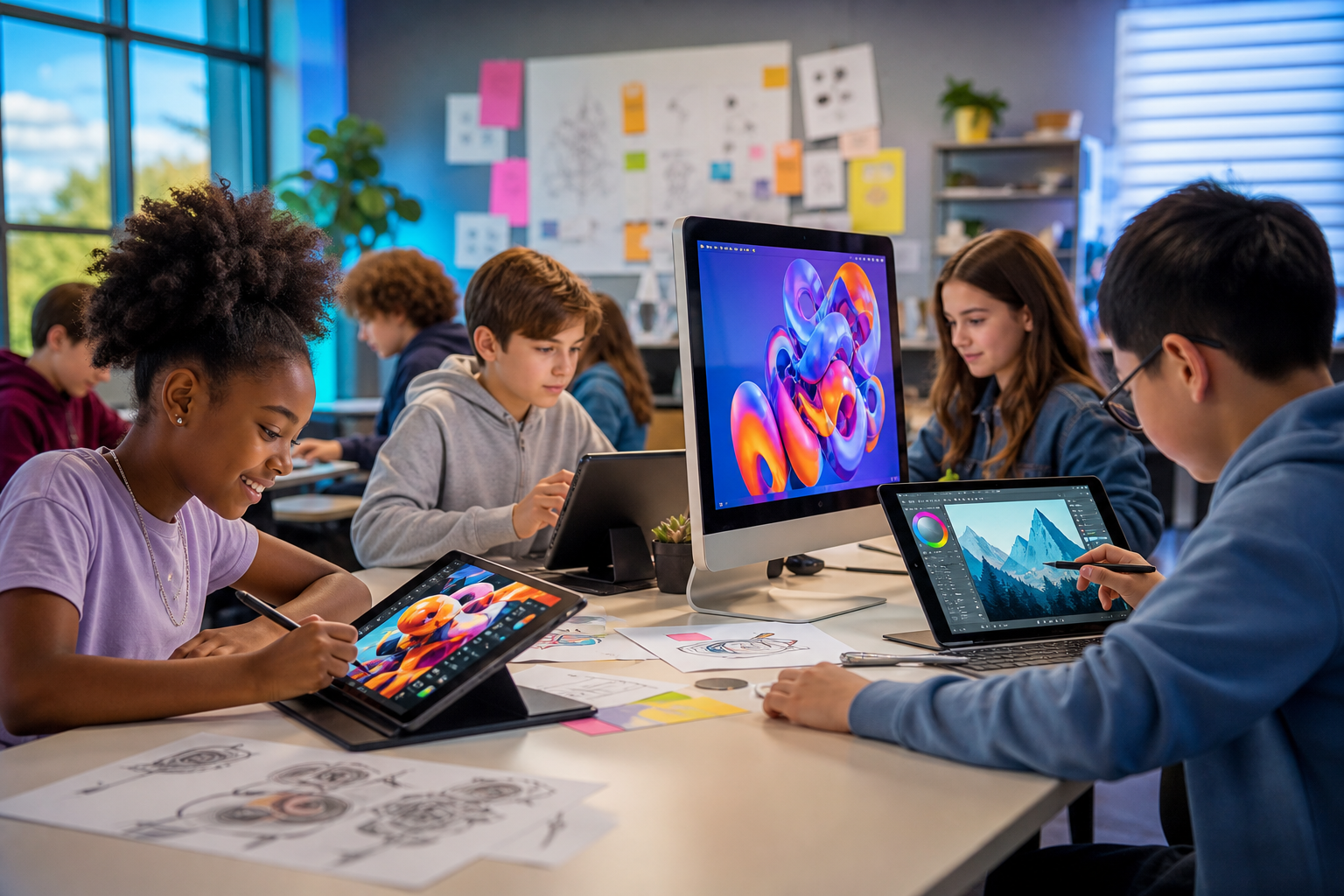
In an increasingly visual and digital world, the ability to communicate, create, and innovate through design is paramount. For K-12 educators, this presents both a challenge and an incredible opportunity: how do we equip the next generation with these vital skills?
The answer lies in thoughtfully integrating digital design tools into everyday lesson plans. This isn't just about teaching software; it's about fostering creativity, critical thinking, and problem-solving – core competencies for future success.
The Shifting Landscape of K-12 Education
Today’s students are digital natives. They consume and interact with digital content constantly, yet formal education often lags in teaching them how to create it effectively. Bridging this gap is crucial for their academic and professional development.
Educational institutions are increasingly recognizing the need for practical, project-based learning. Digital design tools provide the perfect platform for this, allowing students to move beyond passive consumption to active creation.
Why Digital Design Matters Now More Than Ever
The demand for creative and digitally literate professionals spans every industry, not just traditional design fields. From marketing and engineering to healthcare and environmental science, visual communication skills are highly valued.
By introducing digital design early, K-12 education prepares students not just for college, but for a dynamic job market. They develop a visual vocabulary, learn to articulate ideas clearly, and gain confidence in a digital workspace.
The Role of Technology in Empowering Young Minds
Technology serves as an equalizer, providing access to sophisticated creative tools that were once exclusive to professionals. Affordable software licenses and user-friendly interfaces make advanced design accessible to students of all ages.
Furthermore, digital tools facilitate collaboration, iteration, and feedback, mirroring real-world creative processes. Students learn resilience as they experiment, revise, and refine their projects.
Practical Strategies for Integrating Digital Design Tools
Integrating digital design tools into K-12 curricula doesn't require a complete overhaul; it can start with small, impactful steps. The key is to connect these tools to existing learning objectives across various subjects.
Educators often worry about the learning curve, but many platforms are designed with intuitive interfaces. Focus on foundational concepts rather than advanced features, building skills incrementally.
Cross-Curricular Applications of Digital Design
Digital design isn't confined to art class. Consider these cross-curricular applications:
- Science: Students create infographics to explain complex scientific processes or design digital posters for lab reports.
- History: They develop multimedia presentations about historical events, construct virtual timelines, or design propaganda posters from different eras.
- English Language Arts: Students illustrate stories, design book covers, or create digital portfolios of their written work.
- Mathematics: They use design software to visualize data, create geometric patterns, or explain mathematical concepts through diagrams.
- Social Studies: Design public service announcements, maps, or digital campaigns addressing community issues.
These projects deepen understanding and make learning more engaging. For more ideas on how to build skills, explore our Creative Nation Academy blog.
Choosing the Right Tools for Your Classroom
A variety of digital design tools cater to different age groups and skill levels. Many offer educational discounts or free versions:
- Adobe Express: Excellent for beginners, offering easy-to-use templates for social media graphics, flyers, and short videos.
- Adobe Photoshop/Illustrator: More advanced, ideal for older students developing professional-level image editing and vector graphics skills.
- Adobe Premiere Rush/Pro: For video editing, from simple classroom projects to more complex productions.
- Canva for Education: User-friendly platform with extensive templates suitable for all K-12 levels.
- Google Slides/Docs (with drawing tools): Simple yet effective for basic graphic organization and visual presentations.
Creative Nation Academy specializes in Adobe Certified Professional training, which can help educators master these tools and integrate them effectively.
Professional Development for Educators
Successful integration begins with confident educators. Comprehensive professional development is essential to equip teachers with both the technical skills and the pedagogical strategies to teach digital design effectively.
Workshops focusing on project-based learning, digital literacy, and specific software applications can transform teaching practices. Access to ongoing support and communities of practice is also invaluable.
Creative Nation Academy offers dedicated programs for educator upskilling, ensuring teachers feel empowered to lead the digital classroom.
Real-World Impact and Future Readiness
The impact of integrating digital design tools extends far beyond the classroom. Students develop a portfolio of work, cultivate a growth mindset, and gain valuable experiences that resonate in higher education and future careers.
Early exposure helps students discover potential career paths they might not have considered, from graphic design and web development to user experience (UX) design and animation.
Fostering 21st-Century Skills
Beyond technical proficiency, digital design projects inherently build crucial 21st-century skills:
- Creativity & Innovation: Brainstorming, conceptualizing, and executing original visual ideas.
- Critical Thinking & Problem Solving: Analyzing design challenges and finding effective visual solutions.
- Communication: Conveying messages clearly and persuasively through visual means.
- Collaboration: Working in teams on shared design projects.
- Digital Literacy: Understanding responsible and ethical use of digital tools and media.
These skills are universally transferable and highly sought after by employers across all sectors.
Showcasing Student Work and Building Portfolios
Digital projects are easily shareable, allowing students to showcase their creativity to a wider audience. This can boost confidence and provide tangible evidence of their learning.
Encouraging students to curate digital portfolios of their best work prepares them for college applications or even early job opportunities. Platforms like Behance or simple Google Sites can serve this purpose.
Key Takeaways
- Digital design tools are essential for K-12 students to develop 21st-century skills and creativity.
- Integration is feasible across all subjects, enhancing engagement and comprehension.
- Choosing age-appropriate, accessible software is crucial for successful implementation.
- Educator professional development is vital for confident and effective digital pedagogy.
- Early exposure prepares students for future academic pursuits and diverse career paths.
The journey to integrate digital design tools into K-12 education is a collaborative effort, requiring vision, resources, and commitment. Yet, the rewards – empowered students, innovative learning environments, and future-ready graduates – are immeasurable.
Creative Nation Academy is committed to supporting educators in this transformative process. By embracing digital design, we help unlock the boundless creative potential within every student, preparing them not just to adapt to the future, but to actively shape it.
Frequently asked questions
- What are the primary benefits of integrating digital design tools into K-12 education?
- Integrating digital design tools helps students develop crucial 21st-century skills like creativity, critical thinking, problem-solving, and digital literacy. It enhances engagement across subjects, makes learning more interactive, and prepares students for future academic and career opportunities in a digitally-driven world.
- Do teachers need extensive design experience to teach digital design to K-12 students?
- No, extensive prior design experience isn't always necessary. Many digital design tools offer user-friendly interfaces and educational resources designed for beginners. The focus should be on foundational concepts and project-based learning. Professional development programs, like those offered by Creative Nation Academy, can quickly equip educators with the necessary skills and confidence.
- What are some accessible digital design tools suitable for K-12 classrooms?
- Excellent accessible tools include Adobe Express and Canva for Education, which offer intuitive interfaces and templates suitable for all K-12 levels. For more advanced learners, Adobe Photoshop, Illustrator, and Premiere Rush provide industry-standard capabilities. Even basic tools like Google Slides with drawing functions can be used for fundamental visual organization and creativity.
- How can digital design tools be incorporated into subjects beyond art class?
- Digital design tools can be integrated across the curriculum. For example, in science, students can create infographics; in history, multimedia presentations or digital timelines; in English, illustrate stories or design book covers; and in math, visualize data or geometric patterns. The versatility of these tools allows for creative application in almost any subject.