Unlock Cinematic Magic: Master In-Engine Depth of Field in After Effects 2026
Learn to harness the power of in-engine Depth of Field within After Effects 2026's Advanced 3D renderer. Elevate your motion graphics and visual effects to cinematic levels.
By Rollan Bañez · July 11, 2026 · 8 min read
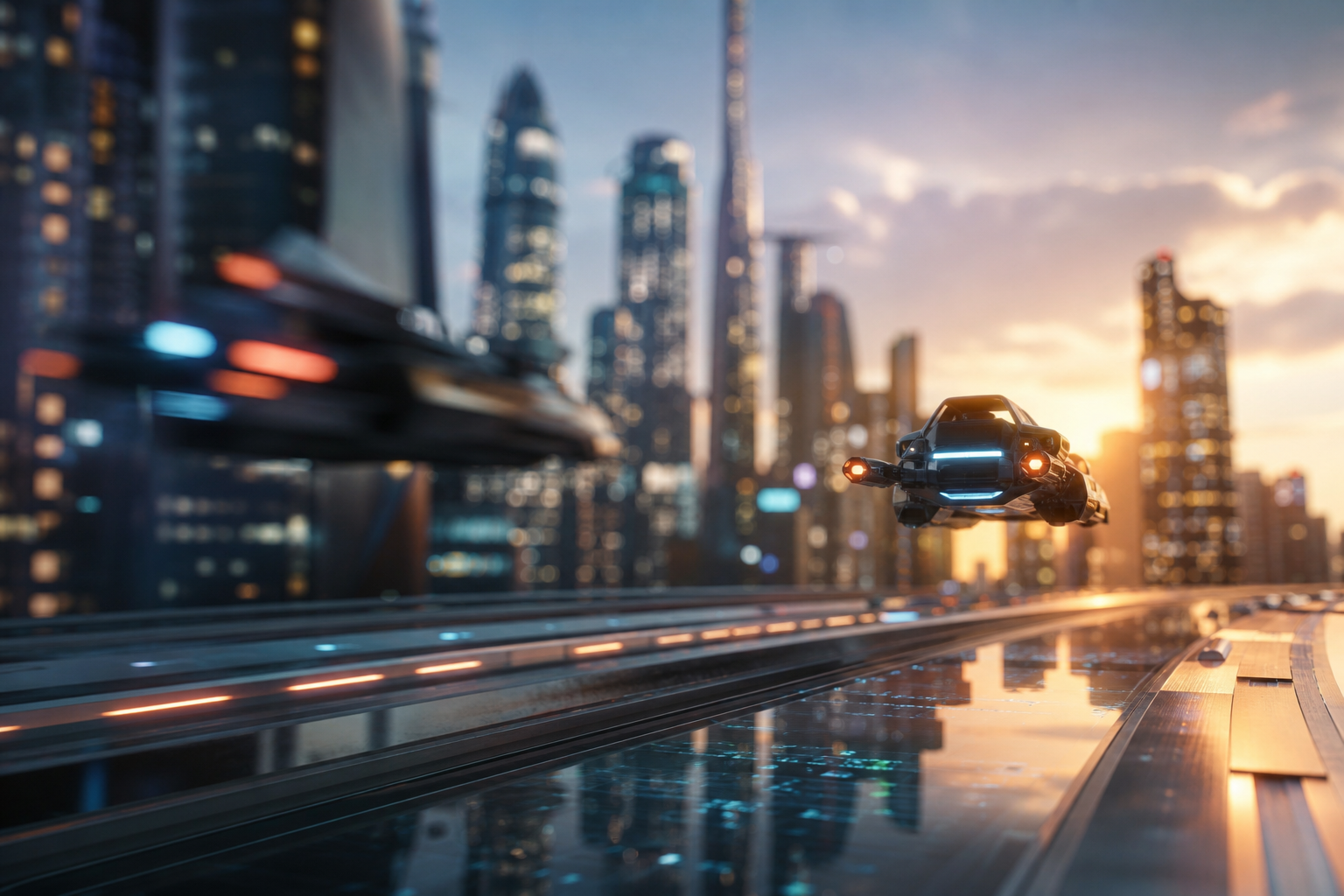
In the dynamic world of motion graphics and visual effects, achieving photorealistic results is paramount. Artists constantly seek tools that bridge the gap between their vision and the final output. One such powerful tool is Depth of Field (DoF), a photographic effect that mimics the way our eyes perceive focus, drawing attention to specific elements while blurring others.
For years, achieving compelling DoF in After Effects often involved workarounds, relying on separate passes or third-party plugins. However, with the continuous evolution of its Advanced 3D renderer, After Effects 2026 now offers robust in-engine Depth of Field capabilities, transforming how creatives approach 3D compositions directly within the application.
The Evolution of 3D in After Effects: A New Era of Realism
Adobe After Effects has progressively enhanced its built-in 3D capabilities, moving beyond simple 2.5D manipulation. The introduction of the Advanced 3D renderer marked a significant leap, providing improved performance and a more integrated workflow for true 3D layers. This advancement empowers artists to build and animate complex scenes without constantly round-tripping to dedicated 3D applications.
Understanding this evolution is crucial for grasping the significance of in-engine DoF. Previously, DoF was primarily a post-processing effect, often applied as an adjustment layer or through complex expressions. While effective, these methods could be less artist-friendly and sometimes lacked the nuanced interaction that a true in-engine solution provides.
Why In-Engine Depth of Field Matters for Creatives
Integrating DoF directly within the 3D rendering pipeline offers several distinct advantages. It allows for more accurate light interaction, a unified camera model, and real-time feedback, all of which contribute to a more intuitive and efficient creative process.
- Realism and Immersion: DoF is a fundamental photographic principle that makes 3D scenes feel more organic and less sterile. It guides the viewer's eye, adding a layer of authenticity.
- Creative Control: Artists gain precise control over focus distance, aperture, and blur characteristics directly within the camera settings, allowing for subtle adjustments that dramatically alter the mood and narrative.
- Unified Workflow: Eliminates the need for separate DoF passes or external plugins, streamlining the post-production pipeline and reducing rendering times.
- Enhanced Storytelling: By strategically blurring foreground or background elements, artists can direct audience attention, emphasize key subjects, and craft more compelling visual narratives.
Enabling and Optimizing In-Engine Depth of Field in After Effects 2026
Activating and fine-tuning in-engine DoF in After Effects 2026 is a straightforward process, provided you understand the key settings involved. This guide assumes you are working with 3D layers and using the Advanced 3D renderer.
Step 1: Set Up Your Advanced 3D Project
First, ensure your composition is configured for the Advanced 3D renderer. Navigate to Composition > Composition Settings > Advanced tab. Under the Renderer dropdown, select Cinema 4D. While the new renderer is branded with Cinema 4D, it effectively serves as After Effects' advanced 3D engine for internal processing.
Also, make sure you have 3D layers in your composition, such as shape layers, text layers, or imported 3D models, that can interact with the 3D space. Without actual 3D depth, DoF will have no effect.
Step 2: Create and Configure a Camera Layer
Depth of Field is inherently a camera effect. Open your composition and navigate to Layer > New > Camera. When prompted, select One-Node Camera or Two-Node Camera based on your preference. For simpler control over DoF, a One-Node Camera is often sufficient initially.
Step 3: Enable Depth of Field on Your Camera
With your camera layer selected in the timeline, expand its properties. You will find a section dedicated to Camera Options.
- Locate the
Depth of Fieldproperty and change it fromOfftoOn. - Immediately, you might observe a blurring effect in your composition window, depending on your camera's current settings.
Step 4: Master the Depth of Field Parameters
Once DoF is enabled, several critical parameters become active, allowing for precise control over the effect:
- Focus Distance: This determines the distance from the camera at which objects will appear in sharpest focus. You can manually adjust this value or, more intuitively, use the
Graph Editoror the camera'sSelection Toolto pick a point in your scene to focus on. - Aperture: This controls the amount of blur applied outside the focal plane. Higher aperture values result in more pronounced blurring, mimicking a wider lens opening. It's measured in pixels.
- Blur Level: Similar to Aperture but acts as a multiplier. Often, artists will control the overall intensity of the blur here after setting their Aperture.
- Iris Shape: While not always directly exposed as a parameter, the renderer simulates the shape of the lens iris, affecting the bokeh (the aesthetic quality of the blur). Advanced settings might be found within the renderer's hidden preferences or future updates.
Experiment with these values to achieve your desired cinematic look. A common workflow is to set your Focus Distance first, then adjust Aperture and Blur Level.
Real-World Impact and Creative Applications
The native After Effects in-engine Depth of Field opens up a new realm of possibilities for designers and animators. It's not just a technical feature; it's a powerful artistic tool.
For motion graphics artists, it means creating stunning product showcases with selective focus, or dynamic title sequences where text elements pop against a subtly blurred background. For visual effects artists, it simplifies the integration of 3D elements into live-action footage, making renders feel more grounded in the real world.
Educators at institutions like Creative Nation Academy recognize the importance of these integrated tools. They are incorporating deep dives into the Advanced 3D renderer and its DoF capabilities into Adobe Certified Professional (ACP) courses, ensuring students are equipped with modern industry practices. Learning these techniques also positions creatives for a wider array of career opportunities in advertising, film, and interactive media.
Key Takeaways
- After Effects 2026's Advanced 3D renderer significantly enhances in-engine Depth of Field capabilities.
- In-engine DoF offers greater realism, creative control, and a streamlined workflow compared to post-processing methods.
- Enable DoF through your camera layer's properties after ensuring your composition uses the Advanced 3D renderer.
- Key parameters to master include Focus Distance, Aperture, and Blur Level for precise creative control.
- This feature is pivotal for achieving cinematic quality in motion graphics, visual effects, and 3D animations.
- Mastering in-engine DoF is a valuable skill for professional development and career advancement in creative industries.
The Future of Cinematic Effects in After Effects
The integration of robust in-engine Depth of Field is a testament to Adobe's commitment to enhancing After Effects as a comprehensive 3D compositing tool. As hardware capabilities advance and rendering technologies evolve, we can anticipate further refinements in realism, speed, and creative options.
This ongoing development empowers creatives to push boundaries right within their familiar environment, reducing reliance on costly external software suites. For those looking to master these cutting-edge techniques and stay ahead in the creative industry, exploring advanced training workshops and events is highly recommended. The seamless blend of 2D and 3D within After Effects is only getting stronger, allowing artists to tell more captivating stories than ever before.
Frequently asked questions
- What is in-engine Depth of Field in After Effects?
- In-engine Depth of Field refers to the ability to simulate photographic focus and blur effects directly within After Effects' 3D rendering pipeline. It allows artists to control which parts of a 3D scene are in focus and which are blurred, much like a real camera lens, without needing separate render passes or external plugins.
- Which After Effects renderer supports in-engine Depth of Field?
- In-engine Depth of Field is primarily supported by the Advanced 3D renderer in After Effects, often branded as the Cinema 4D renderer within the application. You must select this renderer in your composition settings for the DoF camera options to function correctly.
- How do I control the amount of blur in After Effects' in-engine DoF?
- The amount and quality of blur in After Effects' in-engine Depth of Field are primarily controlled by the 'Aperture' and 'Blur Level' parameters within your camera layer's options. Increasing these values will generally result in a more pronounced blurring effect outside the focal plane.
- Can I animate the Depth of Field effect in After Effects 2026?
- Yes, all the critical Depth of Field parameters, such as Focus Distance, Aperture, and Blur Level, are keyframable. This allows you to animate your camera's focus, creating dynamic racks of focus or cinematic transitions over time, further enhancing your visual storytelling.