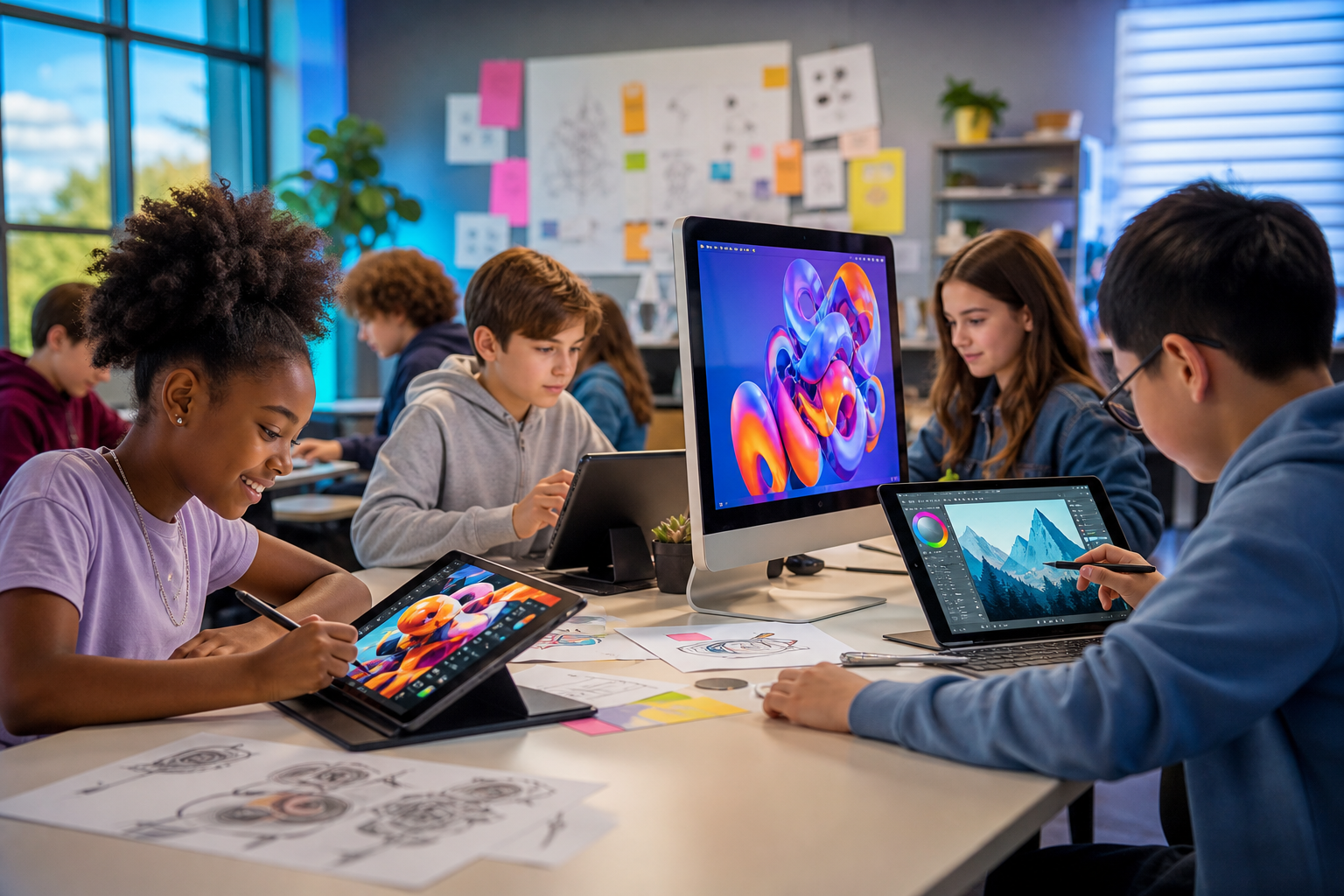
Unlocking the Adobe June 2026 Update: A New Era for Creative Educators
Inside the massive June 2026 Adobe update: From AI-assisted culling in Lightroom to professional-grade object matting in After Effects.
By Rollan Bañez · June 26, 2026 · 6 min read

The June 2026 update to Adobe Creative Cloud represents a monumental shift for the education sector. As digital classrooms evolve, teachers and trainers are no longer just teaching software; they are mentoring students through workflows augmented by sophisticated artificial intelligence.
This latest release focuses on reducing repetitive manual tasks, allowing students to spend more time on conceptual development and critical thinking. For educators, these tools offer new ways to streamline grading and improve student output in multimedia design and video production.
Revolutionizing Photography Workflows in the Classroom
Lightroom Assisted Culling and Face View
One of the biggest hurdles for photography students is managing thousands of raw files. The new Assisted Culling feature uses AI to group photos by quality, focus, and expression. Teachers can now help students focus on selection logic rather than sorting fatigue.
New Face View and Stacking features allow users to isolate specific subjects across hundreds of frames. This is a game-changer for yearbook advisors and school photographers who need to organize portraits by individual student profiles automatically.
Topaz Integration and Firefly Video
The addition of AI Sharpen powered by Topaz technology directly within the Adobe ecosystem ensures that even imperfect student captures can be salvaged. This lowers the barrier to entry for beginners using older equipment.
- Photo to Video: Powered by Firefly and Veo, students can now transform static images into cinematic B-roll.
- Firefly Generative Fill: Improved accuracy for correcting backgrounds in complex lighting.
- Seamless Export: Faster pipelines from Lightroom to social media formats.
Video Production: Premiere Pro and After Effects Refined
Video editing is often the most time-consuming subject to teach. The June 2026 update introduces Global Audio Mute and Single Word Captioning, which allows students to edit dialogue-heavy projects with unprecedented speed.
In Premiere Pro, the Stock Panel Checkout has been streamlined, making it easier for students to source licensed assets during timed exams. The new 3D Spinback transitions provide a professional flair to student projects without requiring complex keyframing.
Advanced Motion Graphics with AI Rotoscoping
After Effects has received a significant boost with Object Matte AI rotoscoping. For educators, this means the end of tedious frame-by-frame masking lessons, shifting the curriculum toward higher-level composition and visual effects theory.
The update also introduces 3D Displacement Maps and native Depth of Field controls. These professional-grade features are now more accessible, allowing students to create realistic spatial environments directly in the software.
Design and Illustration: From Concept to Vector
Illustrator's "Concept to Vector" tool is perhaps the most significant update for graphic design teachers. Students can translate rough sketches or text descriptions into fully editable vector paths, fostering a more iterative design process.
In Photoshop, the Reflection Removal and an offline version of the Remove Tool empower students to work in environments with limited internet connectivity. This ensures that the learning process remains uninterrupted, regardless of the school's technical infrastructure.
To stay ahead of these changes, educators should consider attending an upcoming Creative Nation training event or exploring our latest tutorials on AI integration.
Key Takeaways for Educators
- Efficiency: AI-assisted culling and rotoscoping save hours of classroom time.
- Accessibility: Offline tools in Photoshop ensure students can work anywhere.
- Creative Freedom: "Concept to Vector" helps students overcome the fear of the blank canvas.
- Professional Standards: New 3D and audio tools align classroom learning with industry expectations.
- Curriculum Shift: Focus can move from technical execution to creative problem-solving.
Preparing for the Future of Creative Instruction
As these tools become more intelligent, the role of the educator shifts toward ethical guidance and creative direction. Teachers must help students understand when to use AI and when to rely on traditional craftsmanship.
Investing in your professional development is essential. You can request a specialized workshop for your faculty to master these 2026 features and earn your Adobe Certified Professional status to validate your expertise.
Frequently asked questions
- Does the Lightroom AI Culling feature require an internet connection?
- While many Firefly features are cloud-based, much of the Assisted Culling logic is processed locally to ensure speed, though some advanced facial recognition may require a connection.
- Can I use the new Photoshop Remove Tool without Wi-Fi?
- Yes, the June 2026 update introduces an offline version of the Remove Tool, allowing students to perform complex object removals without an active internet connection.
- Is Concept to Vector suitable for professional-grade logo design?
- Absolutely. It generates clean, scalable vector paths that can be further refined using standard Illustrator tools, making it perfect for both educational and professional workflows.